
EyeTech VMS: The Ultimate Lightweight Windows CCTV & IP Camera Management Software
In modern IP camera surveillance management, having a lightweight, reliable, and high-speed Video Management System (VMS) on your local Windows computer makes all the difference. Today, Eye Tech Securities is proud to introduce EyeTech VMS — an ultra-lightweight, 100% offline, high-performance Video Management System built specifically for Windows PCs available for a one-time lifetime license of Rs. 2,499.
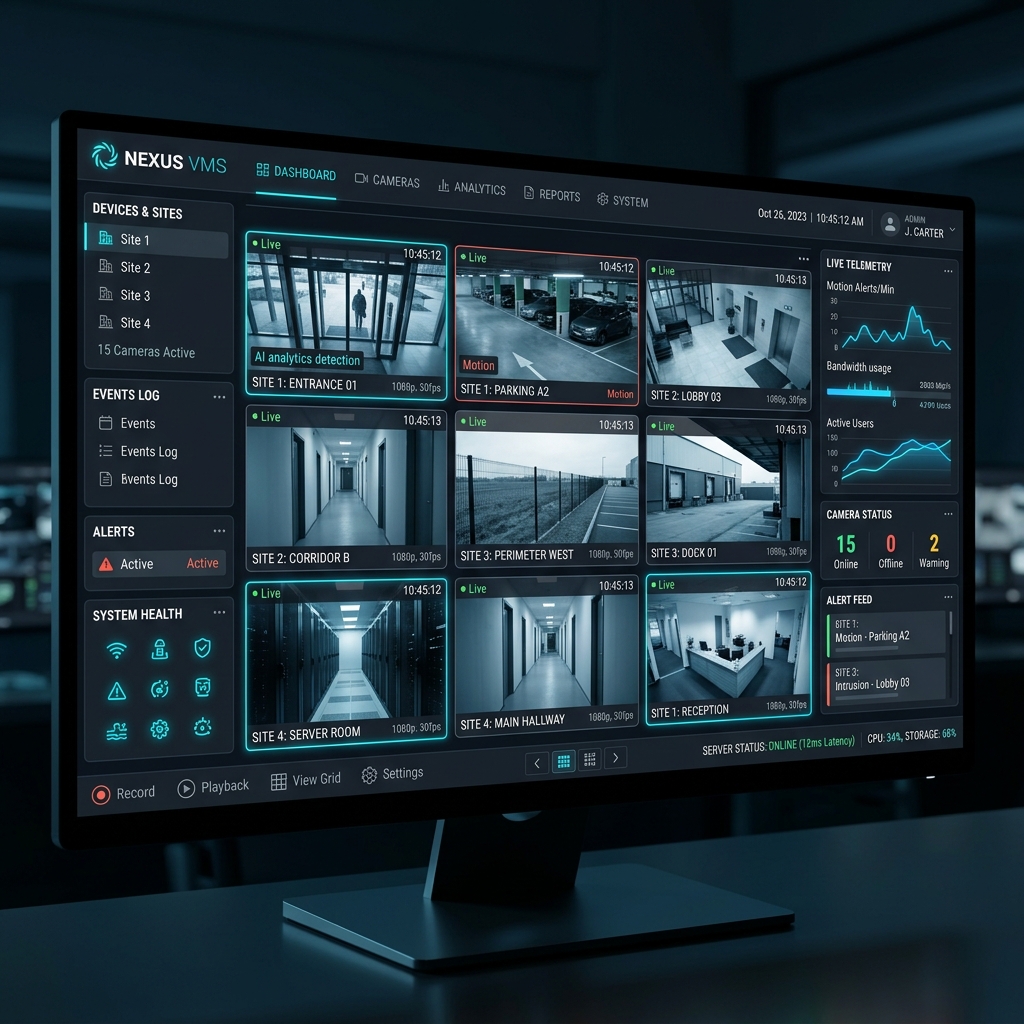
Whether you manage surveillance for a retail store, office building, or multi-location facility, EyeTech VMS provides a seamless live viewing interface with real-time 30-50 FPS streaming, H.264/H.265 (HEVC) compression profiles, crash-resilient recording, and hardware-bound offline licensing.
Why Choose EyeTech VMS Software?
Traditional VMS applications are often bloated, resource-heavy, and require expensive monthly cloud subscriptions. EyeTech VMS solves these challenges with a client-first, offline architecture designed for speed, data privacy, and affordable Rs. 2,499 lifetime pricing.
- Ultra Low-Latency 30-50 FPS Live Streaming: View high-definition camera feeds at native framerates directly in your browser using our optimized MJPEG streaming engine.
- H.264 & H.265 (HEVC) Compression Profiles: Save up to 70% of storage space by utilizing hardware-accelerated H.265 transcoding profiles.
- Crash-Resilient Fragmented MP4 (fMP4): Recorded video files use real-time keyframe indexing. If your PC loses power or shuts down unexpectedly, your footage remains 100% intact up to the last second.
- Organized Camera Subfolders: Video footage is automatically saved in dedicated subfolders per camera (e.g.
E:\Recordings\Camera_1\), preventing filename clutter. - Smart Auto-Overwrite & Storage Rotation: Set custom disk storage limits (e.g., 50 GB or 1 TB). Toggle Auto-Overwrite ON to continuously cycle old footage, or OFF to preserve existing recordings.
- 100% Offline Cryptographic Licensing: Operates entirely on your local network without requiring cloud activation or internet access.
Key Software Features at a Glance
Step-by-Step Installation & Activation Guide
Step 1: Download & Run Installer
Download the standalone installer file EyeTech_VMS_Setup.exe on your Windows PC (Windows 10 / 11 / Server supported). Double-click the installer to complete the automated setup in under 30 seconds.
Step 2: Copy Your Hardware ID
Launch the EyeTech VMS application. On the first run, the secure activation screen will display your unique 16-character Hardware ID (e.g., EYETECH-38E6-11E5). Click the Copy button next to the ID.
Step 3: Enter Your License Key
Send your Hardware ID to eyetechsecurities@gmail.com or your authorized Eye Tech Securities dealer along with your payment confirmation of Rs. 2,499. Paste your generated Activation Key (e.g. ET-VMS-C517-32BF-13E1-21AF) into the box and click Activate Software.
Step 4: Add Your IP Cameras & Start Recording
Once activated, the dashboard unlocks. Click Auto-Discover to automatically scan for ONVIF IP cameras on your network, or click Add Camera to manually enter RTSP credentials. Select your preferred compression quality profile, and continuous recording begins immediately!
Frequently Asked Questions (FAQ)
1. Is internet access required to run EyeTech VMS?
No! EyeTech VMS is built 100% for offline operation. All camera feeds, storage recording, and key validation run entirely on your local private network (LAN).
2. Does EyeTech VMS support cameras from Hikvision, Dahua, and CP Plus?
Yes. EyeTech VMS supports all standard ONVIF Profile S compliant IP cameras and custom RTSP streams across all major CCTV manufacturers.
3. Where are video recordings stored?
You can configure any local hard drive or external drive (e.g. D:\Recordings or E:\Recordings) inside the System Settings panel. Recordings are neatly stored in dedicated subfolders per camera.
Download EyeTech VMS Setup (.exe)
Get instant access to EyeTech VMS software for your Windows PC with a one-time lifetime license of Rs. 2,499!
EyeTech VMS Software v1.0
Standalone Windows IP Camera & VMS Management System
Supports Windows 10, 11 & Server
Important Safety & Secondary Backup Disclaimer
EyeTech VMS is designed and provided as an extra safety backup solution to add a secondary recording tier on your PC alongside your primary physical NVR or DVR surveillance hardware.
Please do not rely solely or exclusively on this software as your single backup source. Software-based local recording on a PC can occasionally break, get interrupted, or fail due to unexpected Windows OS background updates, sudden PC power cuts, hard drive write errors, or local network disruptions. Always maintain dedicated standalone hardware NVRs/DVRs for core compliance and primary video retention.